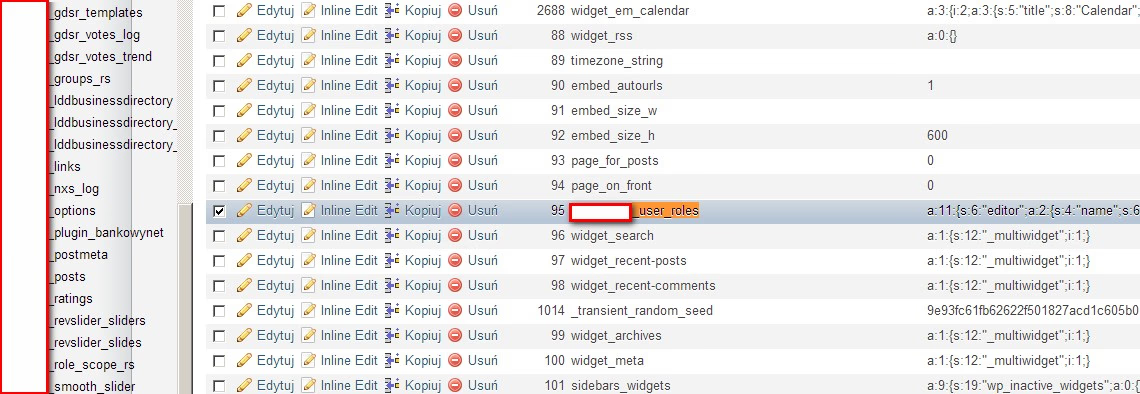
If you are seeing “Error 29” in Total Commander or “Connection Timed Out” in FileZilla, the universe is sending you a message. Stop using FTP.
In 2010, FTP was standard. In 2026, dragging-and-dropping files to a production server is reckless. It leads to:
- Downtime: What happens if your internet cuts out while uploading
functions.php? - Security Risks: FTP sends passwords in plain text (unless using FTPS).
- No History: Who changed that file? When? Why?
Level 1: SFTP & SSH keys (the bare minimum)
If you must transfer files manually, use SFTP (SSH File Transfer Protocol). It runs over port 22 and is fully encrypted.
Better yet, use SSH Keys instead of passwords.
- Generate a Key:
ssh-keygen -t ed25519 -C "your@email.com" - Copy to Server:
ssh-copy-id user@host - Config: Edit
~/.ssh/configfor easy access.
Host mysite
    HostName 192.168.1.100
    User wppoland
    IdentityFile ~/.ssh/id_ed25519
Now you can just type ssh mysite or connect via SFTP without typing a password every time.
Level 2: Git & “Git pull” (the intermediate step)
Stop editing code on the server. Edit locally, commit to Git, and pull on the server.
- Local:
git push origin main - Server:
cd /var/www/html && git pull origin main
Pros: You have version history. You can revert changes (git reset --hard).
Cons: Not atomic. Site might break for a few seconds during the git pull if files are mismatched.
Level 3: Atomic deployments (the PRO standard)
Professional WordPress hosting (Kinsta, WPEngine, SpinupWP) or tools like DeployerPHP use “Atomic Deployments”.
How it works:
- Code is uploaded to a new folder:
/releases/2026-12-23-0800/ - Dependencies are installed (Composer, NPM).
- A symlink
/currentis switched from the old folder to the new folder.
Result: Zero downtime. The switch happens in milliseconds. If the build fails, the symlink never switches, and the site stays up.
Tools to use IN 2026
- Local: LocalWP or DDEV.
- Repo: GitHub / GitLab.
- Deployment:
- GitHub Actions: Free CI/CD pipelines.
- DeployHQ: simple GUI for deployments.
- Buddy.works: Optimized for WP.
Summary
“Error 29” isn’t a bug. It’s a feature reminding you to upgrade your workflow.
- Ditch FTP for SFTP.
- Use SSH Keys.
- Move to Git-based deployments.
Your future self (and your clients) will thank you when you can rollback a broken update in 3 seconds.