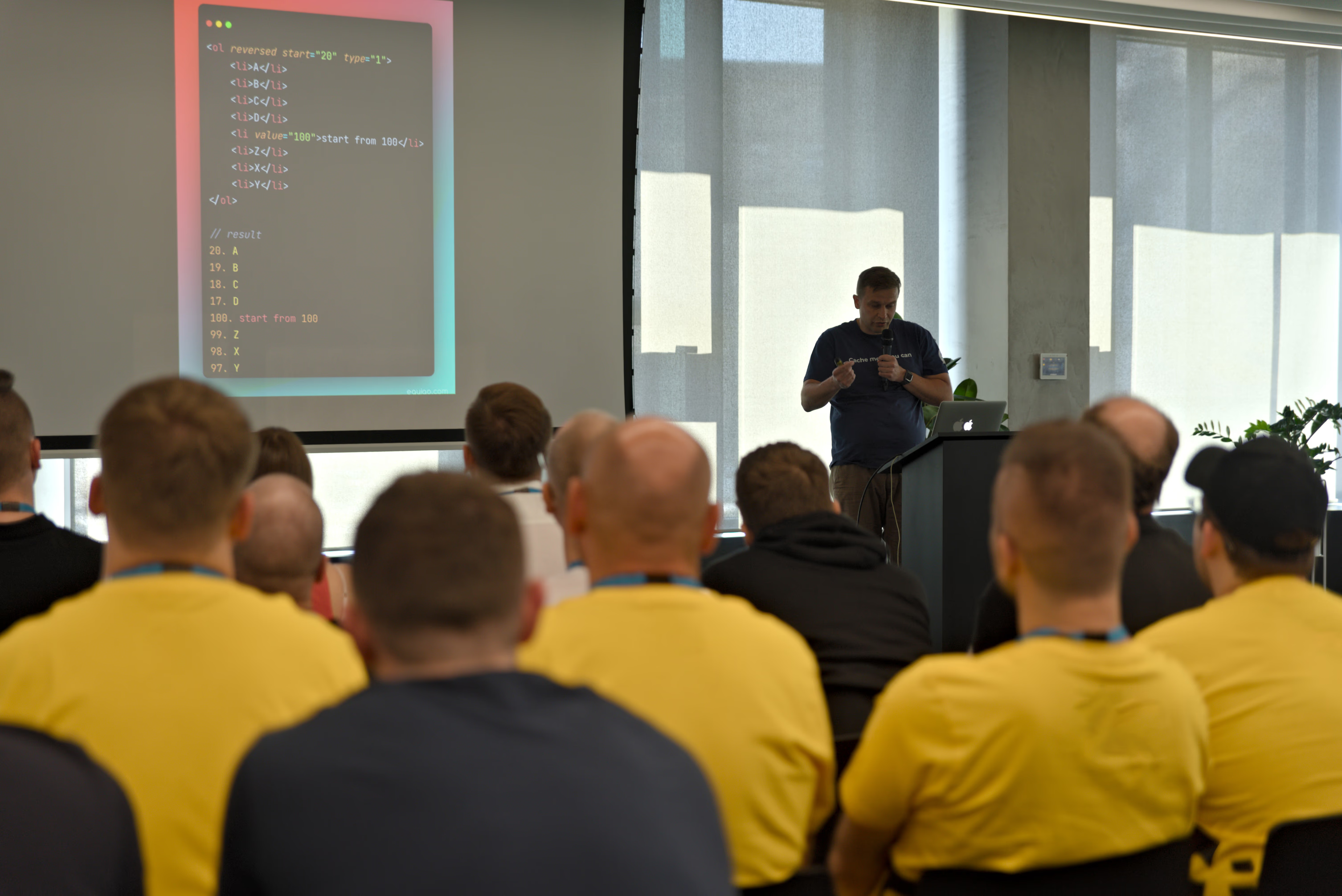
Join a 2-day (10 hours) WordPress basics training held at PPNT Gdynia on October 20-21.

Training topics
Topics covered in this training include:
- Introduction to WordPress - What is it and how to navigate around
- Front-end/back-end - Understanding standard website elements
- Creating your first blog - Page hierarchy, templates, content optimization
- Building menus, adding media
- Sidebars and widgets, CSS, responsive themes, plugins
Day 1 agenda
| Time | Topic |
|---|---|
| 15:00-15:45 | About me, Training goals, What you’ll learn |
| Part I: Introduction to WordPress | |
| What is CMS, What is WordPress, WordPress history | |
| Why choose WordPress? WordPress in numbers | |
| WordPress vs competition, WordPress.org vs WordPress.com | |
| 16:00-16:45 | The webmaster’s life begins - WordPress on your own hosting |
| What do we need? Simplified WordPress architecture | |
| 7 deadly sins during WP installation | |
| 17:00-17:45 | What is what and how to navigate WordPress |
| Installation steps, Installing on your own hosting | |
| Configuring FTP with Total Commander | |
| 18:00-18:45 | Optimizing our site! |
| Domain name, blog name and subtitle | |
| Copywriting basics, Link power, SEO plugins | |
| 19:00-20:00 | Configuration + Media |
| Menu building, Adding photos, Creating galleries |
Day 2 agenda
| Time | Topic |
|---|---|
| 15:00-15:45 | Interior, Templates |
| Posts, categories, how to group posts effectively | |
| Pages - hierarchy, templates | |
| Where to get your first template | |
| 16:00-16:45 | Sidebars, Widgets, Themes, HTML5+CSS3, Responsiveness |
| How to choose the best theme? | |
| 17:00-17:45 | Plugins |
| Most popular plugins overview | |
| Where to get plugins, Is it worth spending $$$? | |
| White Screen of Death | |
| 18:00-18:45 | Different CMS cases |
| Migrating from wordpress.com to self-hosted | |
| Child themes, Backup | |
| 19:00-20:00 | Intermediate WordPress usage |
| Custom post types, Taxonomies, Custom fields | |
| Security, Analytics, Optimization |
This comprehensive training is perfect for beginners who want to start their WordPress journey with a solid foundation.