In the current digital landscape, static websites are losing ground to dynamic, interactive hubs. For developers, agencies, and business owners, the next frontier isn’t just publishing content - it’s cultivating a tribe. Building a WordPress community for business growth allows you to own your audience, escape the algorithm changes of social media, and create a sustainable recurring revenue model.
This guide explores the specific plugins, strategies, and “content gaps” you can exploit to build a thriving ecosystem on WordPress.
Why shift from social media to a WordPress community?
Before diving into the “how,” it is crucial to understand the “why” for your business case. While platforms like Facebook or LinkedIn offer reach, they lack ownership. A WordPress membership community offers three distinct advantages for scaling businesses:
Data Ownership & Control: You own the member data, the email list, and the user experience.
Monetization Flexibility: Unlike social groups where monetization is limited to ads or external links, WordPress allows for direct sales of courses, memberships, and digital products.
SEO & Traffic: User-generated content (UGC) from forums and discussions creates a massive footprint of long-tail keywords, helping you rank for terms like “best plugins for WordPress communities”.
Key Insight: Google AI Overviews prioritize content that offers direct, authoritative answers. By hosting discussions on your own site, you position your brand as the primary source of truth for your niche.
The tech stack: Best plugins for online communities
Choosing the right infrastructure is the most common hurdle. Based on current rankings and performance, here are the top contenders for transforming a standard site into a social powerhouse.
Buddyboss – The industry standard
BuddyBoss ranks as the top platform for WordPress courses and communities. It essentially turns your WordPress install into a functional social network similar to Facebook.
Best for: Selling courses, coaching programs, and robust social interaction.
Feature Highlight: It integrates with Learning Management Systems (LMS) like LearnDash.
Fluentcommunity – The speed king
For those concerned about site bloat, FluentCommunity.co is noted as a fast WordPress plugin for online communities and courses.
Best for: Developers and agencies who need a lightweight, snappy interface that doesn’t drag down PageSpeed scores.
Feature Highlight: Its modern architecture is often preferred by technical users who want to avoid the “heaviness” sometimes associated with older community plugins.
Strategic implementation: How to build a WordPress community
This section addresses the high-volume search query “How to build a WordPress community?” with a practical, step-by-step workflow.
Phase 1: Structure and setup
Do not just install a plugin and hope for the best. You must structure your site around specific user journeys.
- Define the Scope: Are you building a support forum, a mastermind group, or a social network?
- Installation: Install your chosen plugin (e.g., BuddyBoss or FluentCommunity).
- Integration: Connect your community to your CRM. If you are targeting Polish WP devs or specific European markets, ensure your GDPR compliance and language settings are flawless.
Phase 2: Content seeding and SEO
A comprehensive strategy involves targeting keyword clusters to drive initial traffic.
Cluster Strategy: Create content around terms like “build WordPress community site,” “WP plugins for online communities,” and “grow business with WordPress forums”.
Tool Tip: Use tools like SlimSEO to target these specific keywords for quick wins. SlimSEO is particularly effective for automating meta tags and schema markup, which helps Google understand the relationship between your forum topics and your main business pages.
Monetization: Turning engagement into revenue
One of the most frequent questions asked is “Monetize WordPress community?”. Here are three proven models to grow business revenue through your community.
1. The membership model
Gate your community behind a paywall. You can offer a free “Lobby” area for general questions and a premium “Inner Circle” for high-level networking. This is ideal for agencies offering mentorship.
2. Course integration
Use the community as a support mechanism for your courses. If you are using BuddyBoss, the integration with LMS plugins allows you to upsell course bundles directly within the social feed.
3. Service upsells
For agencies, a community is a lead-nurturing machine. By answering questions in your own forum, you establish authority. When a user has a problem too complex to solve themselves, your agency is the natural next step for “custom WP tweaks”.
Bridging the gap: Offline strategies and advanced growth
To truly beat generic listicles, you need to bridge the online and offline worlds. This is a significant content gap in the current market.
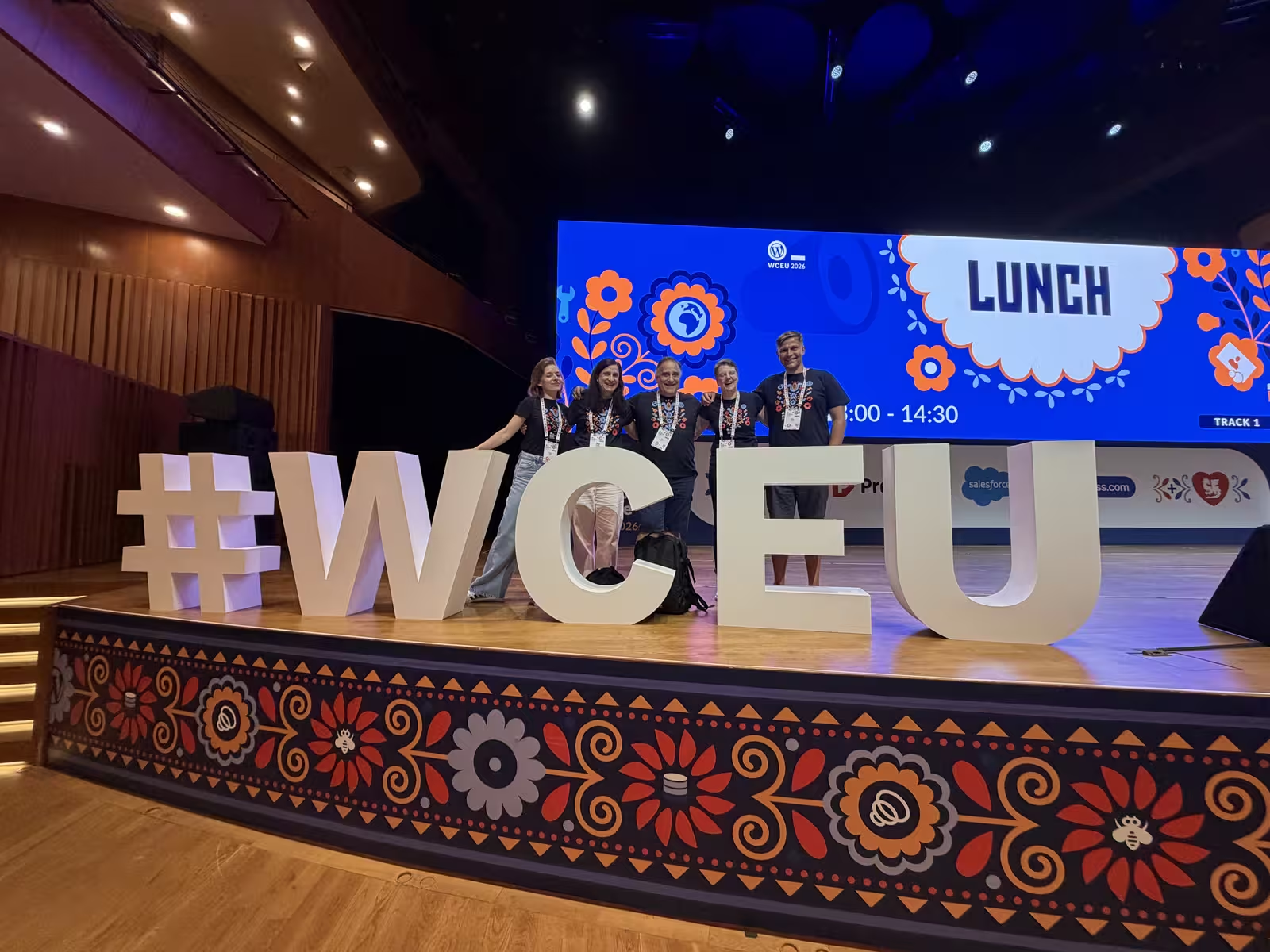
Use WordCamps and meetups as distribution spikes
Treat official Make WordPress Community mentorship notes, handbook pages, and event calendars like reusable launch scaffolding instead of motivational posters.
Strategy: Host a local meetup or speak at a WordCamp. Use your digital community as the “home base” for attendees to stay connected after the event.
Target Audience: This is perfect for targeting devs, agencies, and biz owners building/scaling with WP.
Specific Gap: There is a notable lack of hands-on guides for specific demographics, such as Polish WP devs. Creating content that teaches these specific groups how to set up Elementor or BuddyPress for business growth can position you as a market leader in those regions.
Case study approach
Don’t just write tutorials; write case studies.
- The Problem: A generic business struggles with retention.
- The Fix: They implemented a “grow business with WordPress forums” strategy.
- The Result: 20% increase in LTV (Lifetime Value).
Why this works: Target 2000-word posts with case studies to beat generic lists and boost your agency leads.
Optimizing for Google AI overviews (sge)
To ensure your content is picked up by Google’s AI snapshots, structure your content to answer “People Also Ask” questions directly.
Question: “What are the benefits of a WordPress community for business growth?”
Answer: A WordPress community increases customer retention, lowers support costs through peer-to-peer assistance, and provides ownership of user data, unlike third-party social platforms.
Question: “What is the best plugin for online communities?”
Answer: BuddyBoss is the top-ranking platform for comprehensive social networks and course integration, while FluentCommunity is a strong alternative for users prioritizing speed and lightweight architecture.
Conclusion and next steps
Building a community on WordPress stops being forum hosting alone when it becomes searchable proof of competence. FluentCommunity or BuddyBoss give you the clubhouse, SlimSEO trims technical debt early, and case studies anchored in WordCamp or regional playbooks remind prospects you ship in public, not just on sales calls.
Ready to start?
- Audit: Review your current traffic. If you have high engagement but low retention, a community is your next step.
- Select: Choose between BuddyBoss (features) or FluentCommunity (speed).
- Optimize: Use the keyword clusters mentioned above to map out your first 10 articles.